Krótko: Lotnisko Cam Ranh oferuje darmowe Wi-Fi we wszystkich częściach terminalu, 24 godziny na dobę, z darmowymi punktami ładowania obok — operator terminalu międzynarodowego podaje oba te informacje na swojej stronie o udogodnieniach. Nazwa sieci jest publikowana wyłącznie w kodzie QR na tej stronie — to Cam Ranh T2 Free Wi-Fi, bez hasła — dlatego większość poradników podaje inne dane. Jeśli planujesz wylądować, połączyć się i zamówić Grab, zarezerwuj auto, gdy wciąż jesteś w budynku: zasięg jest zaprojektowany dla terminalu, a nie dla dalekiego końca parkingu.
Co faktycznie obiecuje lotnisko
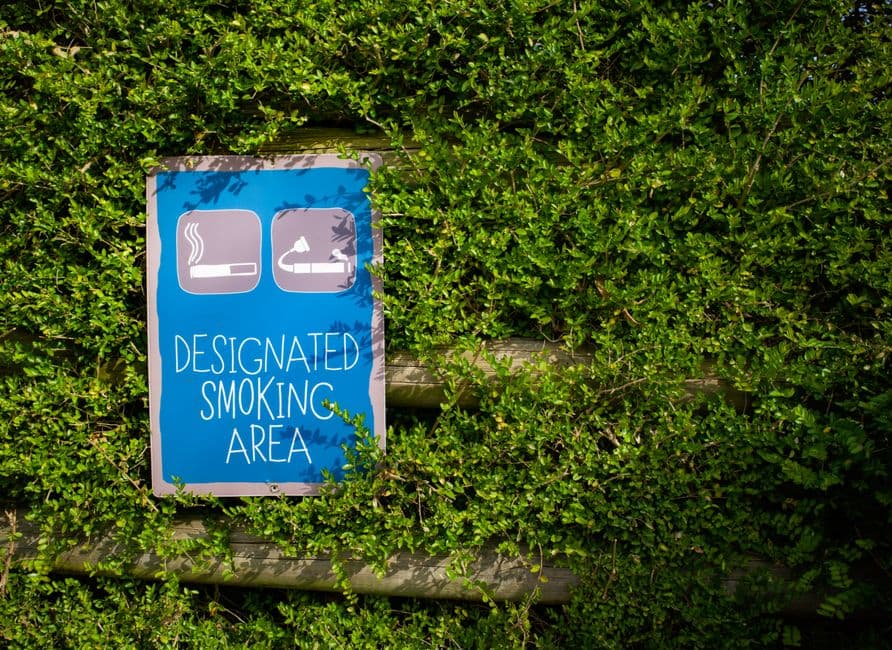
Operator terminalu międzynarodowego wymienia darmową usługę bezprzewodowego LAN jako dostępną we wszystkich częściach terminalu, opisuje ją jako szybką z pokryciem całego terminalu i oznacza jako usługę 24/7. Ta sama lista udogodnień zawiera darmowe stacje ładowania w całym terminalu, również 24/7, obsługujące ładowanie USB i bezprzewodowe oraz wyznaczone strefy palenia w formie klimatyzowanej i otwartej. Dla lotniska tej wielkości to hojna lista, a część dotycząca ładowania ma większe znaczenie, niż podróżni zakładają: telefon lądujący z ośmioma procentami baterii to prawdziwy powód, dla którego ludzie nie udaje się zamówić auta, a nie Wi-Fi.
Nazwa sieci jest też publikowana — tylko nie jako tekst, dlatego większość poradników się myli. Na tej samej stronie udogodnień lotnisko drukuje kod QR Wi-Fi, a standardowy ciąg połączeniowy w nim brzmi: sieć Cam Ranh T2 Free Wi-Fi, bez hasła, niewidoczna. Zwróć uwagę na T2: to terminal międzynarodowy. Poradniki trzecich stron podają co najmniej trzy inne identyfikatory dla tego lotniska i wzajemnie się wykluczają, więc je zignoruj.
Czego lotnisko nie podaje nigdzie, to limit sesji, prędkość w megabitach ani wygląd ekranu logowania, a nie będziemy tego wymyślać. Dla krajowego Terminalu 1 nie opublikowano też oficjalnej nazwy sieci, więc tam wciąż obowiązuje stara zasada: szukaj sieci zawierającej „Cam Ranh” lub kod lotniska CXR i traktuj wszystko inne jako czyjś hotspot mobilny.
Terminal 1 i Terminal 2 to nie to samo doświadczenie
Cam Ranh obsługuje dwa terminale. Terminal 1 obsługuje loty krajowe i współpracuje z wietnamskimi przewoźnikami — Vietnam Airlines, VietJet Air, Bamboo Airways. Terminal 2 obsługuje przyloty i odloty międzynarodowe, a to nowszy, większy budynek, w którym ląduje większość zagranicznych turystów. Oba mają darmowe Wi-Fi. Podróżnicy konsekwentnie raportują, że terminal międzynarodowy lepiej się sprawdza, gdy kilka lotów ląduje jednocześnie, co jest dokładnie wtedy, gdy go potrzebujesz.
Ta różnica ma znaczenie w konkretnym dniu: pasażer z przesiadką, który przybywa międzynarodowo do Terminalu 2 i leci dalej krajowo z Terminalu 1, zmienia budynki, a sieć, z której korzystałeś, nie podąża za Tobą. Sprawdź wszystko, co jest pilne — kartę pokładową, adres hotelu, numer telefonu kierowcy — zanim wyjdziesz z terminalu, w którym się znajdujesz. Nasz przewodnik po terminalach w Cam Ranh wyjaśnia, jak te dwa budynki są ze sobą powiązane.
Jak się połączyć i co zrobić, gdy strona logowania się nie wczyta
Otwórz ustawienia Wi-Fi, wybierz sieć lotniska i poczekaj, aż strona logowania pojawi się sama. Jeśli się nie pojawi, najczęstszą przyczyną jest portal uwierzytelniający, który przeglądarka odmawia otwierać przez adres HTTPS. Dwa rozwiązania działają prawie wszędzie: najpierw wyłącz dane mobilne, aby telefon przestał cicho preferować Twoje połączenie roamingowe, a następnie otwórz zwykłą stronę HTTP w przeglądarce, aby wymusić pojawienie się portalu. Niektóre relacje wspominają o logowaniu za pomocą numeru telefonu lub konta społecznościowego na wietnamskich lotniskach; jeśli spotkasz się z takim ekranem i nie masz jeszcze działającego numeru, to jest moment, w którym cały plan się zacina.
To jest uczciwe ograniczenie lotniskowego Wi-Fi wszędzie: jest zaprojektowany dla osób czekających wewnątrz budynku, a nie dla osób, które z niego wychodzą.
Sytuacja, która naprawdę decyduje o Twoim wieczorze: zamawianie samochodu
Większość przybywających do Cam Ranh zmierza do Nha Trang, około 35 km i 45 minut wzdłuż wybrzeża, i większość z nich woli Grab niż postój taksówek. Grab wymaga aktywnego połączenia w momencie składania zamówienia, a ponownie, gdy kierowca dzwoni, aby Cię znaleźć. Wi-Fi w terminalu dociera do hali przylotów; nie dociera jednak wiarygodnie do dalekiego końca parkingu, gdzie odbywają się odbiory z aplikacji do zamawiania przejazdów.
Więc działająca kolejność to: połącz się wewnątrz, zamów wewnątrz, wyjdź z już złożonym rezerwacją i danymi kierowcy na ekranie. Nieudana kolejność to: wyjdź, odkryj brak sygnału, wróć do środka. Nasze porównanie Grab i postój taksówek na lotnisku w Cam Ranh wyjaśnia, która opcja jest tańsza o której godzinie, a nasz przewodnik po późnonocnym przylocie opisuje, co się dzieje po około 22:00, gdy ostatni autobus 18 do Nha Trang odjeżdża o 21:55, a postój taksówek z taryfą stałą staje się realistyczną opcją w cenie około 350 000 do 500 000 VND.
Kiedy całkowicie pominąć Wi-Fi
Dwa przypadki. Po pierwsze, jeśli przybywasz późno w nocy, kiedy masz mało cierpliwości do portalu, który się nie wczyta, i kierowcy, który nie może się z Tobą skontaktować. Po drugie, jeśli przebywasz dłużej niż parę dni, ponieważ i tak będziesz potrzebować danych na plaży i w Nha Trang, a nie tylko w terminalu.
W obu przypadkach odpowiedzią jest lokalna karta SIM lub eSIM, a eSIM to wersja, którą możesz aktywować przed lądowaniem, gdy masz jeszcze połączenie z domu. Nasza strona o kartach SIM i wymianie walut na lotnisku w Cam Ranh opisuje, gdzie znajdują się punkty obsługi, ile kosztują i czego unikać; krótko mówiąc, w przypadku nocnego przybycia punkty obsługują w godzinach dziennych, więc kup połączenie przed lotem lub zaplanuj załatwienie tego w Nha Trang następnego ranka.
Ładowanie podczas czekania
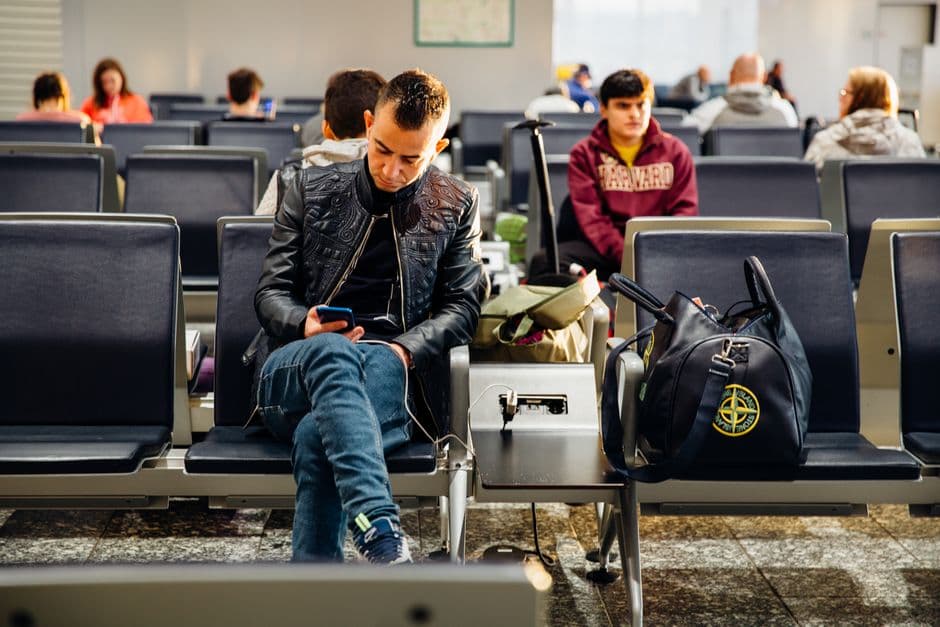
Darmowe punkty ładowania są częścią tej samej oficjalnej listy udogodnień, dostępne całą dobę, z opcjami USB i bezprzewodowego ładowania. Są bardziej przydatne, niż mogłoby się wydawać podczas przesiadki: Cam Ranh to nie duże lotnisko, miejsc siedzących jest mało, a punkt ładowania, przy którym faktycznie można usiąść, jest cenniejszy niż szybka sieć. Jeśli czekasz kilka godzin między lotami, nasza strona o przesiadkach w Cam Ranh wyjaśnia, co jest otwarte po stronie lądowej i co warto zobaczyć, wychodząc z lotniska.
Krótkie ostrzeżenie dotyczące sieci lotniskowych ogólnie
Otwarte Wi-Fi jest otwarte. Każdy w tej samej sieci widzi więcej Twojego ruchu, niż byś chciał, a lotnisko to miejsce, w którym ludzie logują się do aplikacji bankowych, bo są znudzeni. Używaj wbudowanych w telefon zabezpieczeń, unikaj wpisywania danych płatniczych w otwartej sieci i preferuj własne dane mobilne w przypadku czegokolwiek wrażliwego. To nie jest problem Cam Ranh; dotyczy to każdego terminalu na świecie i właśnie dlatego tani lokalny pakiet danych jest lepszym domyślnym wyborem niż darmowe Wi-Fi.